
.png)

Description
Download Words With Friends – Free Online Word Game, Play with Friends
Overview
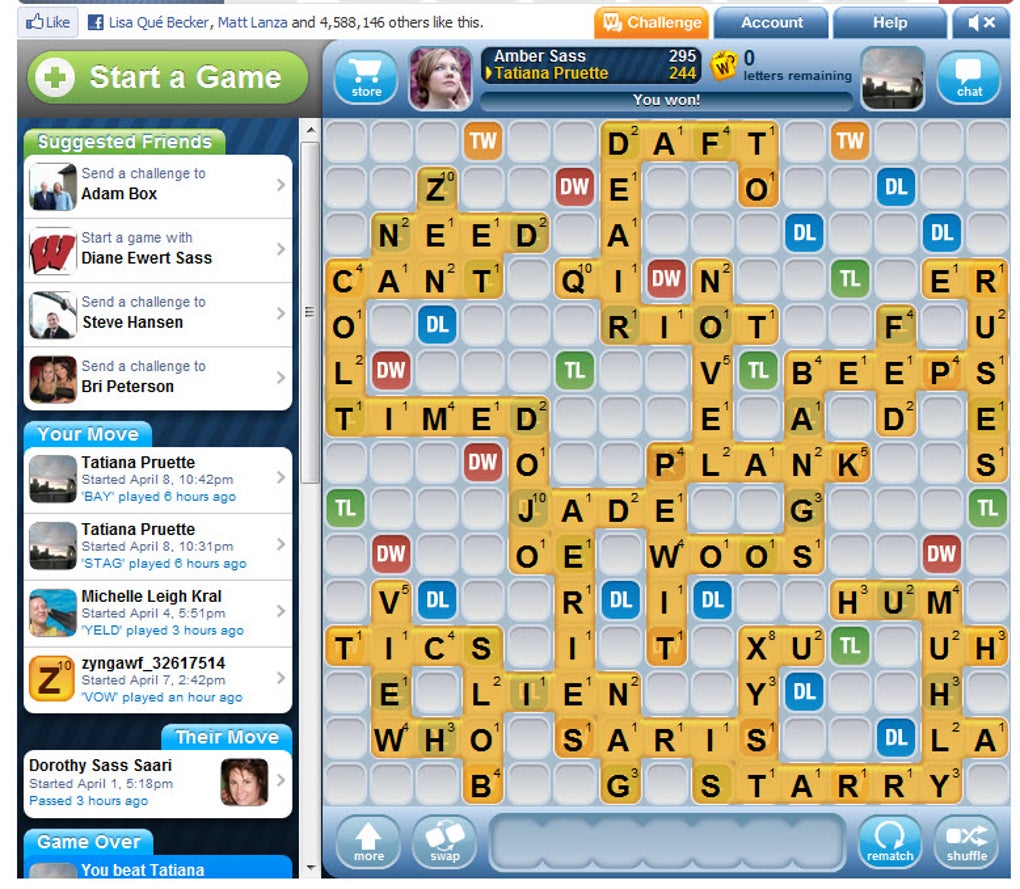
Words With Friends brings the classic charm of board‑game Scrabble to the digital world, letting you challenge Facebook friends, random opponents, or anyone you meet online. The game revolves around a 15 × 15 grid where you place letter tiles to form words and rack up points. Each turn you receive a fresh set of seven tiles, and the strategic placement of high‑value letters on premium squares can turn a modest play into a winning blow. What makes Words With Friends stand out is its seamless integration with Facebook: you can invite friends directly from your feed, watch their moves in real time, and chat through an in‑app messenger while you battle for the highest score. If you prefer mobile gaming, the app is available for iOS and Android, letting you keep the competition alive whether you’re on a commute or lounging at home. The interface is clean, the tile rack is draggable, and the turn‑based system means you don’t need to be glued to a screen; you can make a move, set a reminder, and return hours later to see if you’ve been out‑scored. While the core mechanic is straightforward, the game’s depth emerges from word‑building tactics, tile‑exchange options, and the occasional “challenge” where you can dispute an opponent’s word for a possible point swing. Overall, Words With Friends offers a balanced mix of casual fun and serious word‑puzzle strategy, making it a perfect companion for both quick sessions and marathon matches.
Key Features of Words With Friends
- Social Integration: Connect instantly with Facebook friends, send invitations, and track leaderboards within your social circle.
- Cross‑Platform Play: Available on Windows (web), macOS (web), iOS, and Android, ensuring you can continue a game wherever you are.
- Turn‑Based Flexibility: Play at your own pace; the game notifies you when it’s your turn, so you never feel rushed.
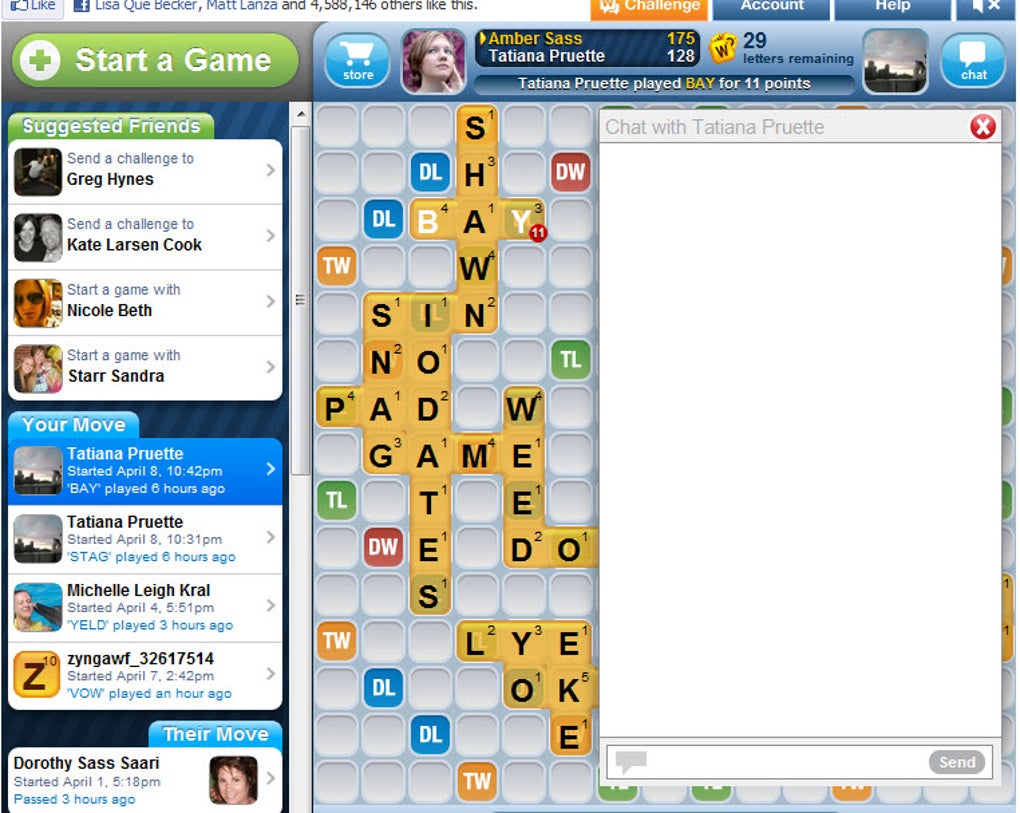
- In‑Game Chat: A built‑in messaging window lets you trash‑talk, share hints, or simply keep the conversation flowing while you play.
- Tile Exchange & Refresh: Swap out unwanted letters for new ones, or use the “shuffle” feature to rearrange your rack for better visibility.
- Word Validation Engine: A comprehensive dictionary checks each entry for validity, helping both beginners and veterans avoid illegal plays.
- Progressive Difficulty: As you win matches, you’re matched with stronger opponents, keeping the challenge fresh.
- Achievements & Badges: Earn rewards for milestones like “First 100‑point word” or “Ten consecutive wins,” adding a layer of gamification.
- Free-to‑Play Model: Download and start playing at no cost; optional in‑app purchases unlock ad‑free experiences and premium tile packs.
- Regular Updates: The development team pushes updates that improve performance, add new UI tweaks, and occasionally introduce themed events.
How to Install, Set Up, and Play on Any Device
Getting started with Words With Friends is a breeze, whether you prefer the desktop web version or the mobile app. Follow the steps below to ensure a smooth installation and immediate access to your first match.
Desktop (Windows & macOS) – Web Version
- Open your preferred browser (Chrome, Firefox, Edge, or Safari) and navigate to the official Facebook Games page.
- Log in with your Facebook credentials. If you don’t have an account, you can create one in under a minute.
- Click the “Play” button; the game loads directly in your browser without any additional downloads.
- Accept the permissions request to access your friend list – this enables the invitation feature.
- Once the board appears, tap “New Game,” select a friend or choose “Random Opponent,” and you’re ready to start.
Mobile – iOS (iPhone & iPad)
- Open the App Store on your device.
- Search for “Words With Friends” and locate the official Zynga title.
- Tap “Get” and authenticate with Face ID, Touch ID, or your Apple ID password.
- After the download completes, open the app and sign in with your Facebook account (or create a Zynga username for a quicker start).
- Grant notification permissions so you receive alerts when it’s your turn.
- Choose “Play with Friends” to invite contacts or “Play with Random Opponent” for an instant match.
Mobile – Android
- Launch the Google Play Store on your phone or tablet.
- Search for “Words With Friends” and select the Zynga‑published app.
- Tap “Install” and wait for the download to finish.
- Open the app, sign in with Facebook or create a Zynga account, then follow the on‑screen prompts to enable push notifications.
- Start a new game by choosing a friend from your contact list or opting for a random match.
Compatibility: The web version runs on any modern browser for Windows 10/11, macOS 10.15+, and Linux distributions. The mobile app supports iOS 13 or later and Android 8.0 or later, ensuring broad coverage across devices.
Gameplay Basics
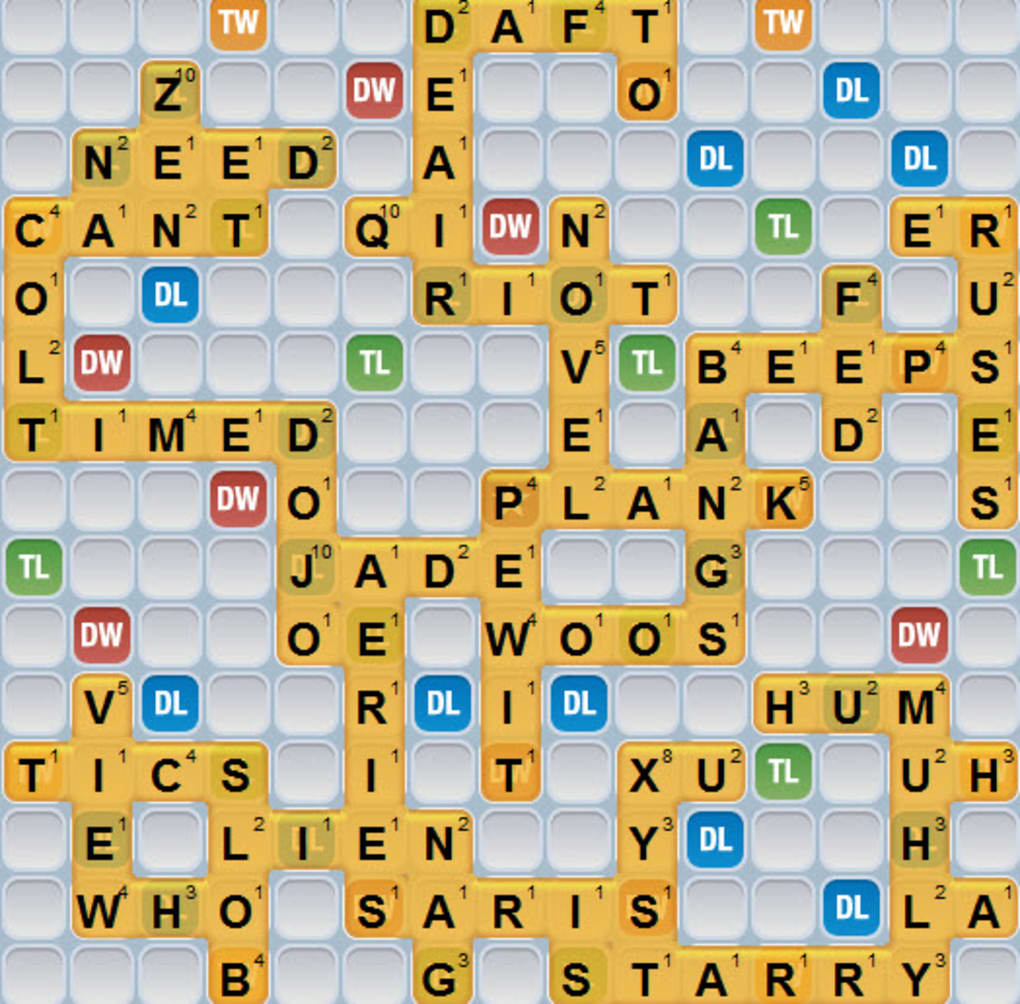
After you’ve launched a match, you’ll see a 15×15 board with a few premium squares highlighted in pink (double‑letter) and orange (triple‑letter). Drag tiles from your rack onto the board to form a word that connects to existing tiles. When you’re satisfied, tap “Play Word.” The game calculates your score based on tile values and premium squares. If you’re stuck, you can tap the “Swap Tiles” button to exchange up to seven letters for new ones from the bag—this costs one turn. The opponent’s move appears after they finish, and you’ll receive a notification prompting you to take your next turn.
Final Verdict, Pros & Cons, FAQ and How to Get Started
Overall Rating: 4.5 out of 5 stars
Pros
- Deep social integration with Facebook makes inviting friends effortless.
- Cross‑platform support lets you continue games on desktop, iOS, or Android.
- Turn‑based design fits busy schedules; you can play a move whenever you have a moment.
- Robust dictionary and challenge system keep gameplay fair and competitive.
- Free to download with optional ad‑free purchase for an uninterrupted experience.
Cons
- No dedicated single‑player mode or AI opponent for solo practice.
- Ads appear after each turn in the free version, which can be distracting.
- Matching with a random opponent sometimes takes longer than expected.
- New players may find the scoring rules and premium squares confusing at first.
- Tile exchange costs a turn, which can be a strategic penalty for beginners.
Frequently Asked Questions
Is Words With Friends completely free to play?
Yes, the core game is free. You can download, play matches, and chat without paying. However, the free version includes occasional ads, and there are optional in‑app purchases for an ad‑free experience and premium tile packs.
Can I play without a Facebook account?
Yes. On mobile, you can create a Zynga username instead of linking to Facebook. This still lets you play with friends by inviting them via email or a unique game link.
How does the scoring system work?
Each tile has a point value (e.g., Q = 10, E = 1). Placing a tile on a double‑letter or triple‑letter square multiplies its value, while covering a double‑word or triple‑word square multiplies the total word score. The game also adds 50 bonus points for using all seven tiles in a single turn (a “bingo”).
Is there a way to practice before playing against real opponents?
While there is no built‑in AI mode, you can start a match with a friend and ask them to play slowly while you test strategies. Some players also use the “Play with Random Opponent” feature and simply ignore the opponent’s moves to practice word placement.
Will my progress sync across devices?
Absolutely. As long as you log in with the same Facebook or Zynga account, your games, scores, and chat history are stored in the cloud and instantly available on any device you log into.
Ready to Join the Word Battle?
Download Words With Friends today, challenge your friends, and see who can craft the highest‑scoring word. Whether you’re on a desktop browser or on the go with your smartphone, the game’s turn‑based flow means you can fit a match into any schedule. Click the appropriate link below, install the app, and start your first match in under two minutes. Happy word‑smithing!
Play on Facebook (Web) | Download for iOS | Download for Android
Guides & Tutorials for Words With Friends
How to install Words With Friends
- Click the Preview / Download button above.
- Once redirected, accept the terms and click Install.
- Wait for the Words With Friends download to finish on your device.
How to use Words With Friends
This software is primarily used for its core features described above. Open the app after installation to explore its capabilities.
User Reviews for Words With Friends 0
No reviews found




